1
Open your device app store
Search for the app name provided by support. Make sure the app icon and publisher match the instructions before installing.
All devices / 5 min
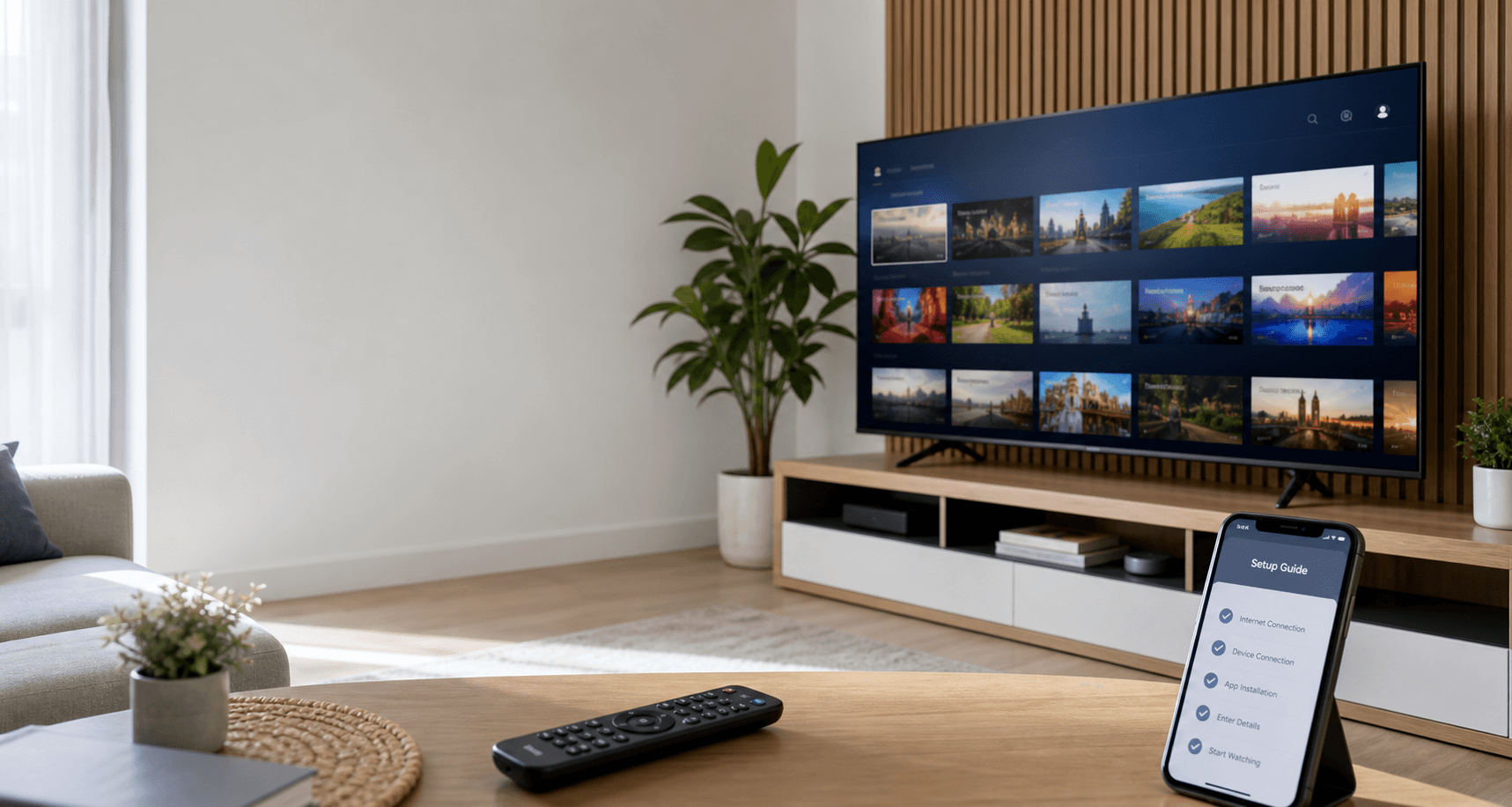
A simple setup walkthrough for downloading the player app and preparing it for your IPTV login details.
Search for the app name provided by support. Make sure the app icon and publisher match the instructions before installing.
After installation, open the app and allow the basic permissions needed for playback. Keep the activation screen open.
Use the username, password, and server URL shared by support. If you see an error, check for extra spaces before contacting support.